

Convert images to PPT with editable text, shapes, and tables. Start with a slide screenshot, a PDF page, or an AI-generated slide image. Screenshots, PDFs, AI images → editable PowerPoint elements
Please upload files you have the right to use and are comfortable processing with an online tool. See our Terms.
Click it and change it
Text, numbers, and shapes come back as separate elements. Click one in PowerPoint and edit it, just like a slide you built yourself.
Real examples
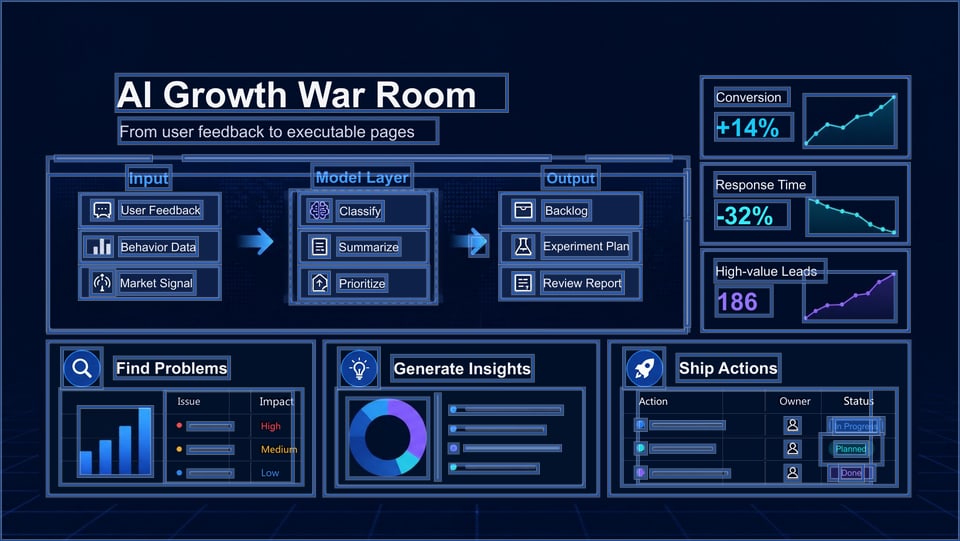
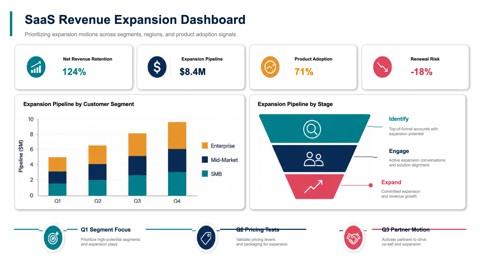
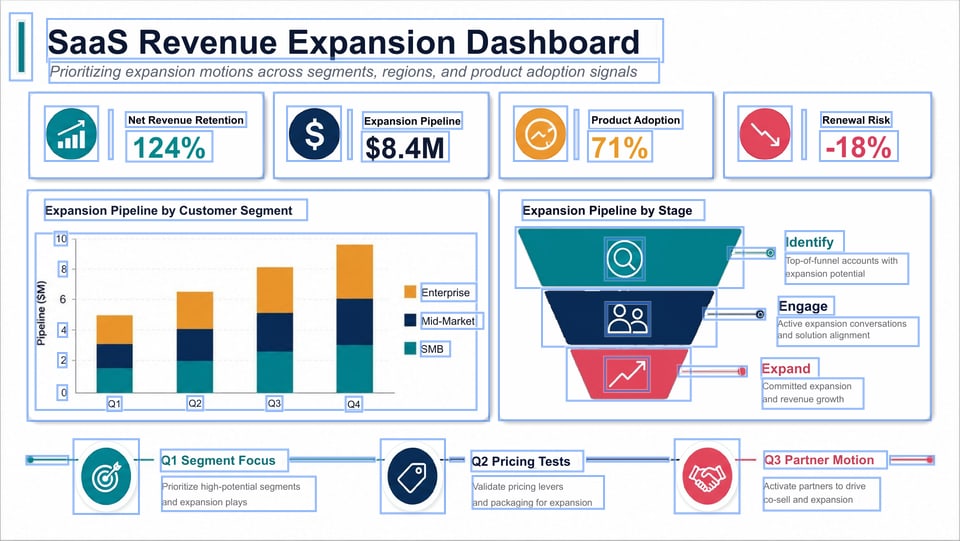
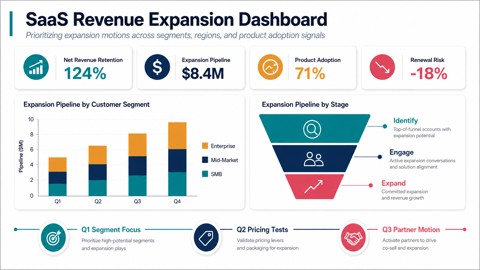
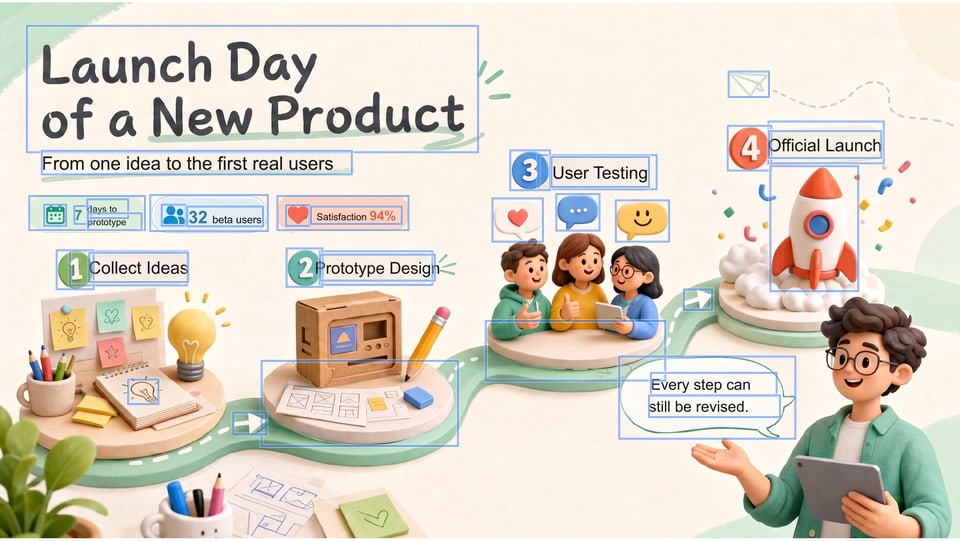
Every blue box is a separate element you can select and edit in the PPTX. Flip to the result or the original, or download the PPTX and open it yourself.


Why Image2PPT
Our own vision-language orchestration engine rebuilds your image as text boxes, shapes, and tables. Click, retype, recolor, move — like a deck you built yourself.
See how we do it →AI slide images from ChatGPT, Gemini, NotebookLM, or Doubao. Screenshots of your own existing deck. PDF pages. Clean, structured layouts work best.
50-page PDF but only need 5 slides? Pick the pages. Pay for 5. No subscription. Purchased credits remain valid long-term.
Choose a PNG, JPG, WebP, or PDF, or paste a screenshot. Use one complete slide per image, with text sharp enough to read. For PDFs, select the pages you need.
Image2PPT rebuilds text, shapes, and tables as native PowerPoint objects with high-fidelity layouts and colors. Photos and illustrations stay as images. Start with one representative page to check the result.
Download the PPTX and change text, numbers, and shapes in PowerPoint. You can also open it in Google Slides or Keynote to finish your presentation.
Follow the screenshot-to-PowerPoint walkthrough →Download the PPTX as soon as it's done. Failed slides are never charged.
Clear slide screenshots, PDF pages, and table-heavy layouts work best. Complex posters, hand-drawn flowcharts, and photos are handled best-effort and may stay as image elements.
support@image2ppt.com Open Support Page →Choose the package that fits your pages. Purchased credits remain valid long-term.
One purchase makes this a paid account Complex pages Faster multi-page API Key
USD amounts are base prices. Final currency and taxes are confirmed at checkout.

Scan with the Taobao app on your phone Copy the Taobao token and order in the app ¥59.90
The code arrives in the Taobao app on your phone, not on this computer. Alipay and WeChat Pay both work. Open the listing on this computer (Taobao sign-in required) →
【淘宝】https://e.tb.cn/h.RcfE0mdssbnh4GU?tk=hipA5HJMX8l HU287 「80页 请拍这个 办公助手 图片、PDF转PPT https://image2ppt.com/」
Got the code? Paste it here to redeem instantly
Online payment ¥66.90 (Taobao price ¥59.90 + channel cost ¥7.00)
Alipay requires desktop QR checkout
Mobile browsers can't complete Paddle's Alipay cross-border checkout right now. Open image2ppt.com on a desktop browser, sign in with the same account, then scan to pay, or switch to a credit card.
Card payment ¥66.90 (Taobao price ¥59.90 + channel cost ¥7.00)
Mobile browsers can't complete the Alipay cross-border checkout right now. Two ways to continue:
① Open image2ppt.com on a desktop browser and sign in with the same account to pay normally
Enter a redeem code — credits arrive instantly.
Pay with credit card — Paddle handles checkout and credits arrive instantly.
A one-time redeem code is delivered automatically after you order. Come back here to redeem it.
Open Taobao【淘宝】https://e.tb.cn/h.RcfE0mdssbnh4GU?tk=hipA5HJMX8l HU287 「80页 请拍这个 办公助手 图片、PDF转PPT https://image2ppt.com/」
After copying, open the Taobao app — it jumps straight to the product page
Payment is handled securely by Paddle. You'll be returned here automatically.
Enter your email to receive a verification code
Completed purchases on this account.
For developer API access. View docs