| Sign-in required to convert |
Yes, sign-in is required to run editable slide conversion. Separate browser-local tools (such as placing images into non-editable PPT slides, image/PPTX compression, and PDF to JPG) work without an account. |
Yes for AI conversion: you can select an image and see the original preview locally (no file upload request before sign-in), then the button shows Sign in to convert and Download PPTX stays disabled until signed in. Its FAQ notes free no-account tools for placing screenshots as-is and local PPTX rebuild. |
| New-user free allowance |
3 free credits on first sign-in (1 credit = 1 slide, valid for 7 days on accounts that have not purchased or redeemed credits; no card required). Pages flagged as complex require a paid account (any credit pack), still at 1 credit per page. |
Sign up for 100 free credits, described on the homepage as about 2 free conversions (Standard uses 40 credits/slide; Advanced uses 80 credits/slide). |
| Published pricing & billing |
Pay-as-you-go credit packs, no subscription: 30 slides for $5.99 ($0.20/slide), 80 for $11.49 ($0.14/slide), or 200 for $24.99 ($0.12/slide). 1 credit = 1 slide; purchased credits remain valid long-term; failed slides refund automatically. |
Credit-based per slide with two modes: Standard (1–2 min, 40 credits/slide) and Advanced (3–5 min, 80 credits/slide, preserves stylized text and supports replacing icons/photos), plus optional icon sharpening billed extra by actual usage. Currency prices for credit packs are not listed on the inspected homepage. |
| Supported inputs |
PNG, JPG, WebP, GIF, and PDF up to 35 MB per file, plus direct upload of image-only PPTX files up to 150 MB (browser reads locally and skips already-editable slides). Up to 50 pages per job, merged into one PPTX; PDF page-range selection supported. No video input. |
Slide images, screenshots, and posters on the homepage; its /tools section also lists PDF to PPTX, image-based PPT to editable, multi-image to PPT, and notes to PPTX. |
| Output & editable elements |
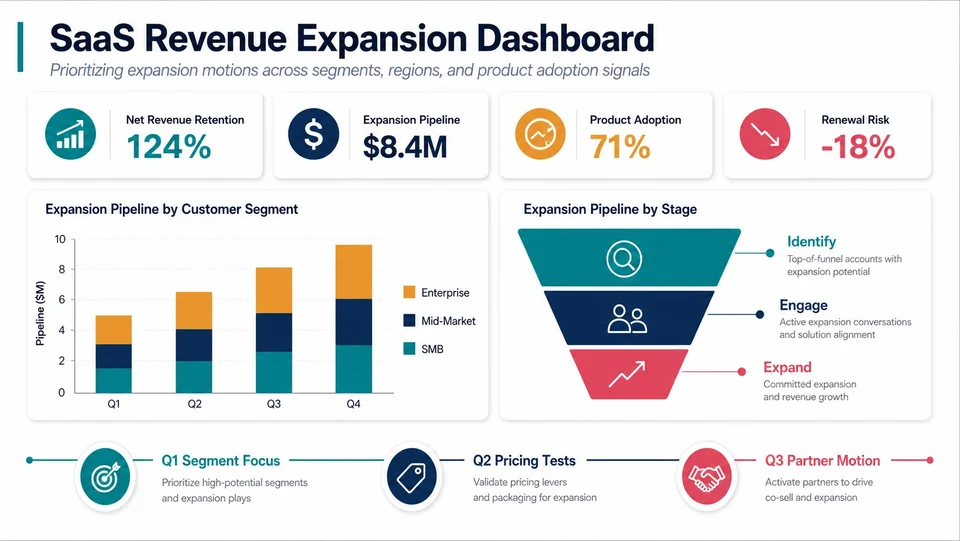
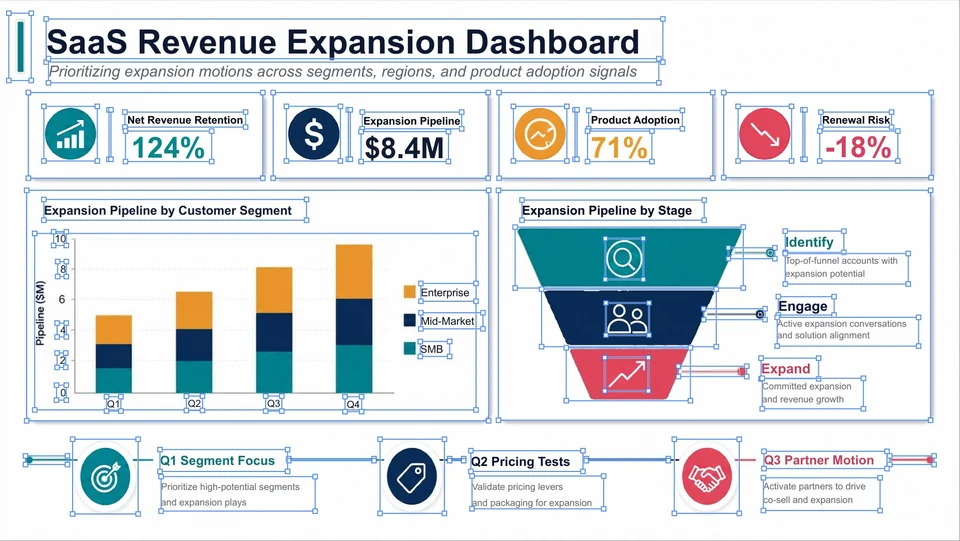
Standard .pptx (opens in PowerPoint, Google Slides, Keynote, and LibreOffice Impress). Headlines, body text, numbers, and labels become native editable text boxes; suitable simple shapes (cards, rounded boxes, arrows, callouts) and structured tables become native PowerPoint shapes and tables; photos, detailed icons, and complex illustrations stay as crisp embedded images. |
Splits a slide into 6 layers (text, buttons, photos, icons, cards, background): text becomes native PowerPoint text boxes, while the remaining layers become separately movable images. Its editability table explicitly notes that cards are image layers (fill color, border stroke, and corner radius cannot be edited like native shapes). Includes a 3D layer view and online editor before PPTX download. |
| Languages |
4 interface languages (English, Simplified Chinese, Traditional Chinese, Japanese). Rebuilds slide text across English, Chinese (Simplified and Traditional), Japanese, Korean, major European languages, and right-to-left scripts such as Arabic and Hebrew. |
2 site languages: English and Chinese (with a Switch language button in the top bar). |
| Other entry points & tools |
Web app, public REST API (/api/v1) with official Python (image2ppt) and Node.js SDKs sharing the same credit balance (no separate enterprise plan), MCP integration for Codex App / ChatGPT developer mode / CLI, plus free local browser utilities. Hosted cloud web service (no offline desktop app or Figma plugin). |
Online full editor with 3D layer inspection, Figma plugin, Chrome extension, AI agent plugin, API, plus about 20 presentation tools/pages under /tools (speaker notes, meeting notes to deck, PPTX merge, speech timer, etc.). |