
English employee handbook
English · PDF with selectable text · 8 pages
Converted:
4 level-1 headings, 10 auto-numbered items, 2 tables, an updatable table of contents
Contracts, policies, reports and scans, each with the original PDF and the Word file we produced. Open the Styles pane and check the headings yourself.
Body text, headings and recognized tables become editable Word content. Stamps, signatures, photos and some complex content may remain images; check the page notes with your download.
These are fictional sample documents. The Word files are direct product outputs with no manual edits. Scanned PDFs were simulated from the originals. The structure counts on each card were read from the resulting Word file.
English · PDF with selectable text · 8 pages
Converted:
4 level-1 headings, 10 auto-numbered items, 2 tables, an updatable table of contents
Simplified Chinese · PDF with selectable text · 12 pages
Converted:
7 level-1 headings, 122 auto-numbered items, 2 tables, an updatable table of contents
Simplified Chinese · PDF with selectable text · 6 pages
Converted:
15 level-1 headings, 17 auto-numbered items, 4 tables
Simplified Chinese · PDF with selectable text · 10 pages
Converted:
8 level-1 headings, 16 level-2 headings, 24 auto-numbered items, 8 tables, 3 images, an updatable table of contents
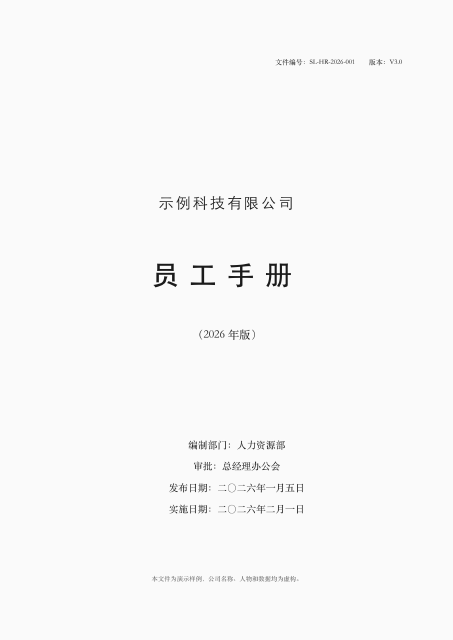
Simplified Chinese · Scanned PDF · 12 pages
Converted:
5 level-1 headings, 122 auto-numbered items, 1 table, an updatable table of contents
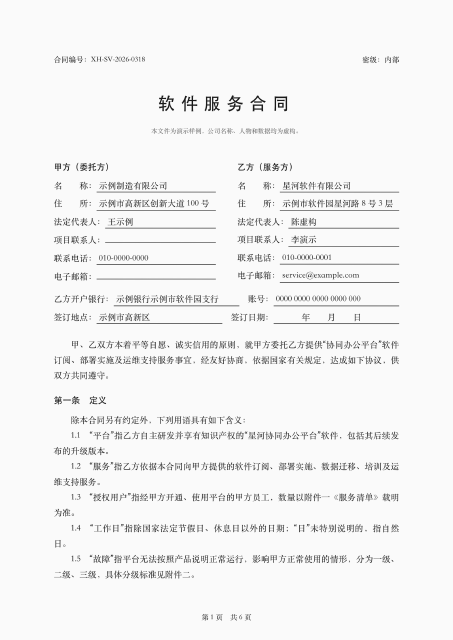
Simplified Chinese · Scanned PDF · 6 pages
Converted:
15 level-1 headings, 20 auto-numbered items, 4 tables
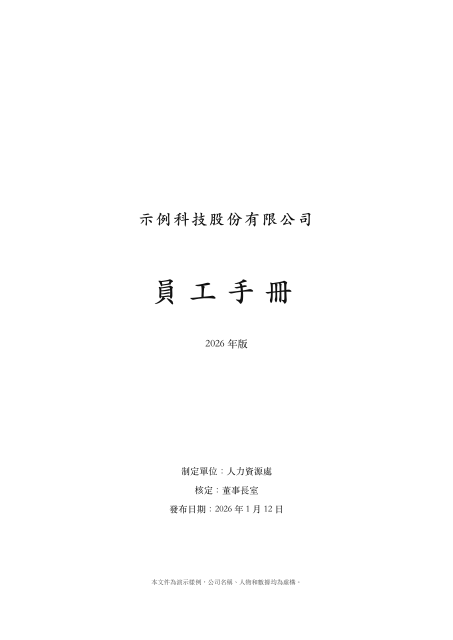
Traditional Chinese · PDF with selectable text · 8 pages
Converted:
4 level-1 headings, 63 auto-numbered items, 1 table, an updatable table of contents
On 2026-11-07, we converted the same 24-page scanned PDF with four tools, without signing in or paying: three results had body text as images, and one recognized the text. See the test section for the paths taken and the resulting files.
| Tool | Path taken |
|---|---|
| iLovePDF | Clicked Apply OCR after upload |
| Smallpdf | Switched to Basic conversion after the OCR paywall |
| PDF24 | Default Auto mode |
| PDF派 | Default Docx |
Only one scanned file was tested. The separate PDF24 OCR tool, paid Smallpdf OCR and other combined workflows were not tested. The result does not establish how those paths perform. Files that have not been supplied are not offered for download or preview.