
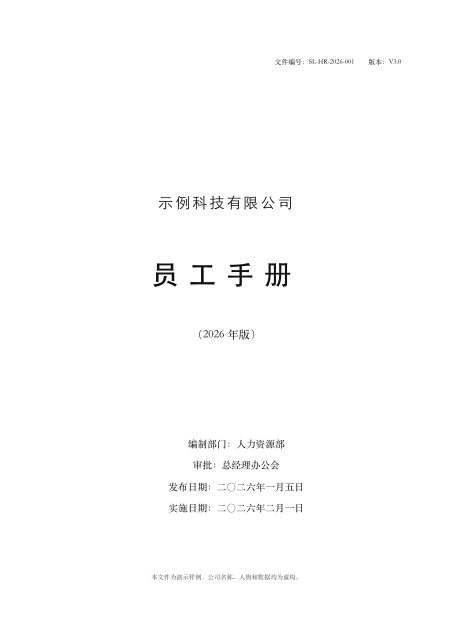
Employee handbook
Simplified Chinese · PDF with selectable text · 12 pages
Converted:
7 level-1 headings, 122 auto-numbered items, 2 tables, an updatable table of contents
Upload a PDF of up to 150 pages and get one Word file. Clauses use auto numbering that continues when you insert one. Headings use Word styles.
1 credit = 1 PPT page or 5 Word pages
Please upload files you have the right to use and are comfortable processing with an online tool. See our Terms.
A PDF fixes how a page looks, but may not retain enough paragraph, heading and table structure for editing in Word. Conversion needs to recover that structure. Selectable text means the PDF has a text layer; scans can have an OCR text layer too, and one file can contain both kinds of page. You can upload it without sorting it first.
Simplified Chinese · PDF with selectable text · 12 pages
Converted:
7 level-1 headings, 122 auto-numbered items, 2 tables, an updatable table of contents
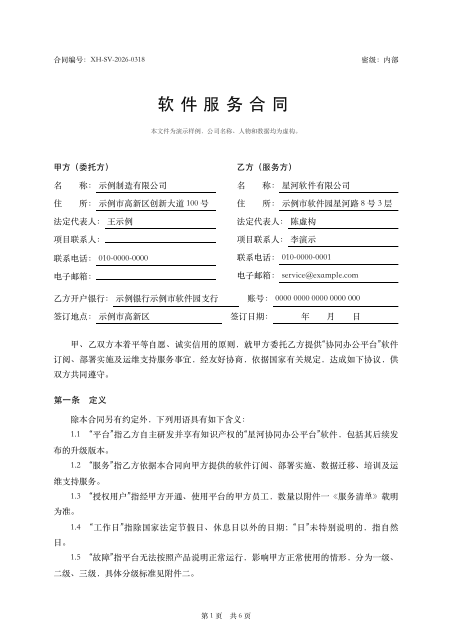
Simplified Chinese · PDF with selectable text · 6 pages
Converted:
15 level-1 headings, 17 auto-numbered items, 4 tables
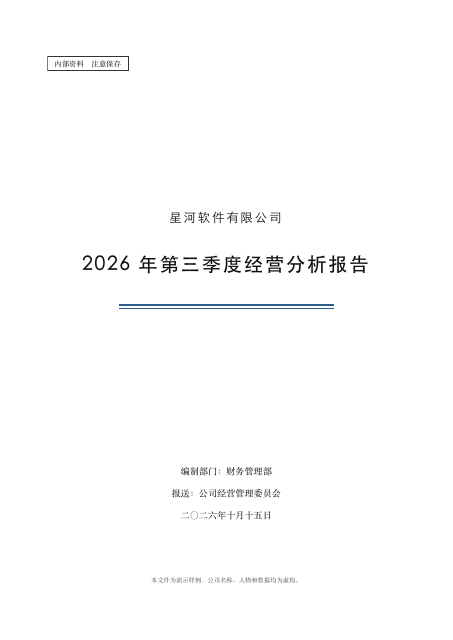
Simplified Chinese · PDF with selectable text · 10 pages
Converted:
8 level-1 headings, 16 level-2 headings, 24 auto-numbered items, 8 tables, 3 images, an updatable table of contents
On 2026-11-07, we converted the same 24-page scanned PDF with four tools, without signing in or paying: three results had body text as images, and one recognized the text. See the test section for the paths taken and the resulting files.
Upload one PDF and select up to 150 pages, including a page range. The selected pages count toward the limit and the credit total. Upload separate PDFs as separate jobs, each producing one Word file. A group of images becomes one file in upload order; each image counts as a page.
1 credit = 1 PPT page or 5 Word pages
1 credit covers 5 Word pages; a partial group also costs 1 credit. Each document can contain up to 150 pages. If conversion fails or you stop it, all credits for the job are refunded. Word and PPT use the same credit balance.
Yes. Enter a page range after uploading. Only selected pages count toward the credit total, up to 150 pages per job.
Upload a scanned PDF as one file, or document photos in order. Check important text, amounts, dates and reading order after conversion.
Upload only files you have the right to use and can share with an online tool. Your uploads and the Word file are handled like PPT conversions: you can permanently delete any conversion yourself from your conversion history, and a deleted conversion cannot be restored. See the privacy policy for retention details.
Choose the package that fits your pages. Purchased credits remain valid long-term.
1 credit = 1 PPT page or 5 Word pages
One purchase makes this a paid account Complex pages Faster multi-page API Key
USD amounts are base prices. Final currency and taxes are confirmed at checkout.

Scan with the Taobao app on your phone Copy the Taobao token and order in the app ¥59.90
The code arrives in the Taobao app on your phone, not on this computer. Alipay and WeChat Pay both work. Open the listing on this computer (Taobao sign-in required) →
【淘宝】https://e.tb.cn/h.RcfE0mdssbnh4GU?tk=hipA5HJMX8l HU287 「80页 请拍这个 办公助手 图片、PDF转PPT https://image2ppt.com/」
Got the code? Paste it here to redeem instantly
Online payment ¥66.90 (Taobao price ¥59.90 + channel cost ¥7.00)
Alipay requires desktop QR checkout
Mobile browsers can't complete Paddle's Alipay cross-border checkout right now. Open image2ppt.com on a desktop browser, sign in with the same account, then scan to pay, or switch to a credit card.
Card payment ¥66.90 (Taobao price ¥59.90 + channel cost ¥7.00)
1 credit = 1 PPT page or 5 Word pages
Mobile browsers can't complete the Alipay cross-border checkout right now. Two ways to continue:
① Open image2ppt.com on a desktop browser and sign in with the same account to pay normally
Enter a redeem code — credits arrive instantly.
1 credit = 1 PPT page or 5 Word pages
Pay with credit card — Paddle handles checkout and credits arrive instantly.
A one-time redeem code is delivered automatically after you order. Come back here to redeem it.
Open Taobao【淘宝】https://e.tb.cn/h.RcfE0mdssbnh4GU?tk=hipA5HJMX8l HU287 「80页 请拍这个 办公助手 图片、PDF转PPT https://image2ppt.com/」
After copying, open the Taobao app — it jumps straight to the product page
Payment is handled securely by Paddle. You'll be returned here automatically.
Enter your email to receive a verification code
Completed purchases on this account.
1 credit = 1 PPT page or 5 Word pages
For developer API access. View docs